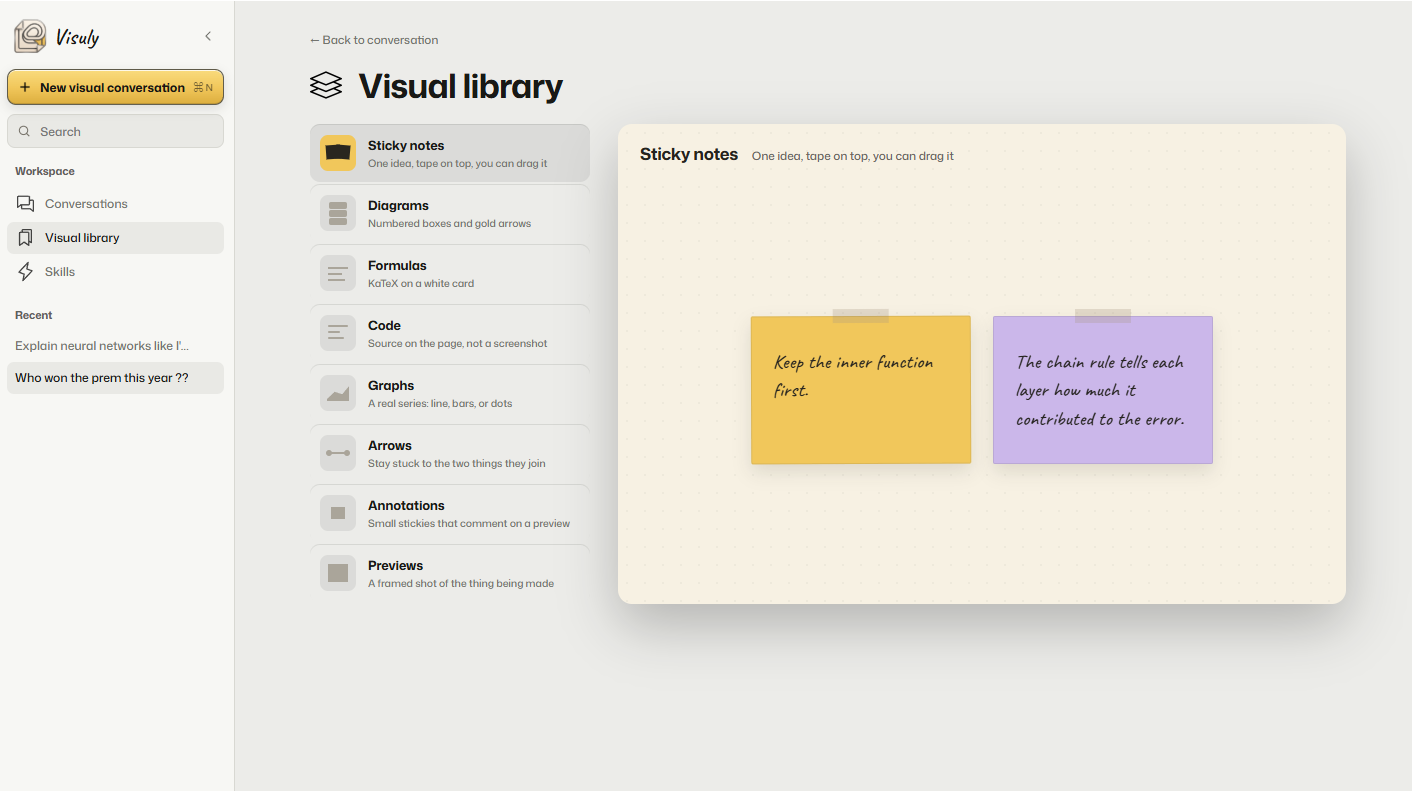
Visual library
Every piece the agent can put on paper lives here: notes, diagrams, KaTeX, code, graphs, arrows, previews. Pick one, see a specimen, then it shows up in the answer.
 Visuly
Join waitlist
Visuly
Join waitlist
Not another whiteboard. A way to talk.
 Chain rule
Desktop
Chain rule
Desktop
walk me through the chain rule
Built this as a visual.
The chain rule
UK week
Desktop
plan a week on the rails
Built this as a visual.
A week in the UK
Free page
Desktop
just let me think on paper
Built this as a visual.
Ask anything. Visuly answers on the canvas beside the thread: KaTeX, code, graphs, sticky notes, arrows, diagrams, already composed. You can drop your own note on it if you want to mark something.
Every piece the agent can put on paper lives here: notes, diagrams, KaTeX, code, graphs, arrows, previews. Pick one, see a specimen, then it shows up in the answer.
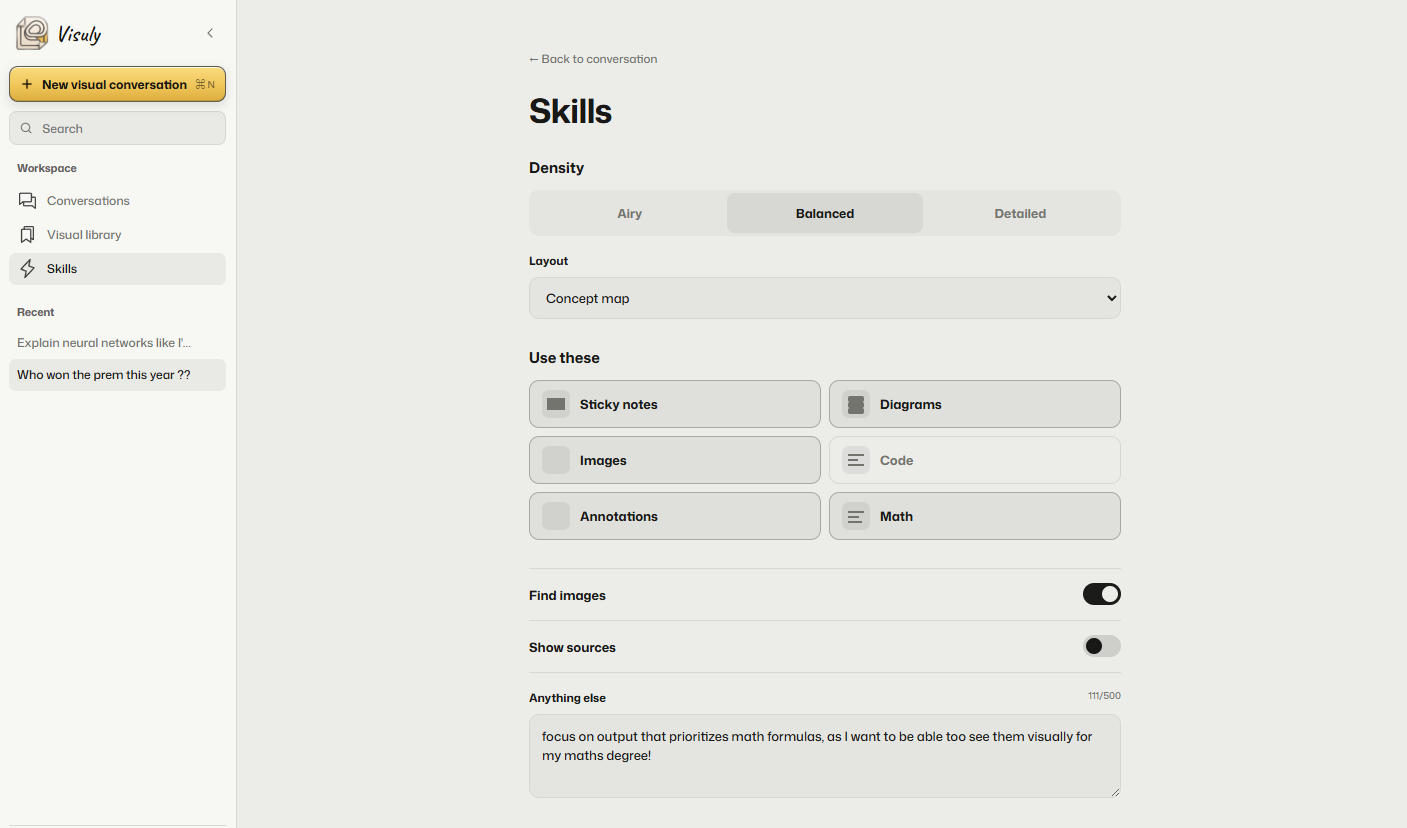
Tell it how busy the page should be, which blocks to use, and whether to hunt images. Density, layout, toggles. The agent reads this before it draws.
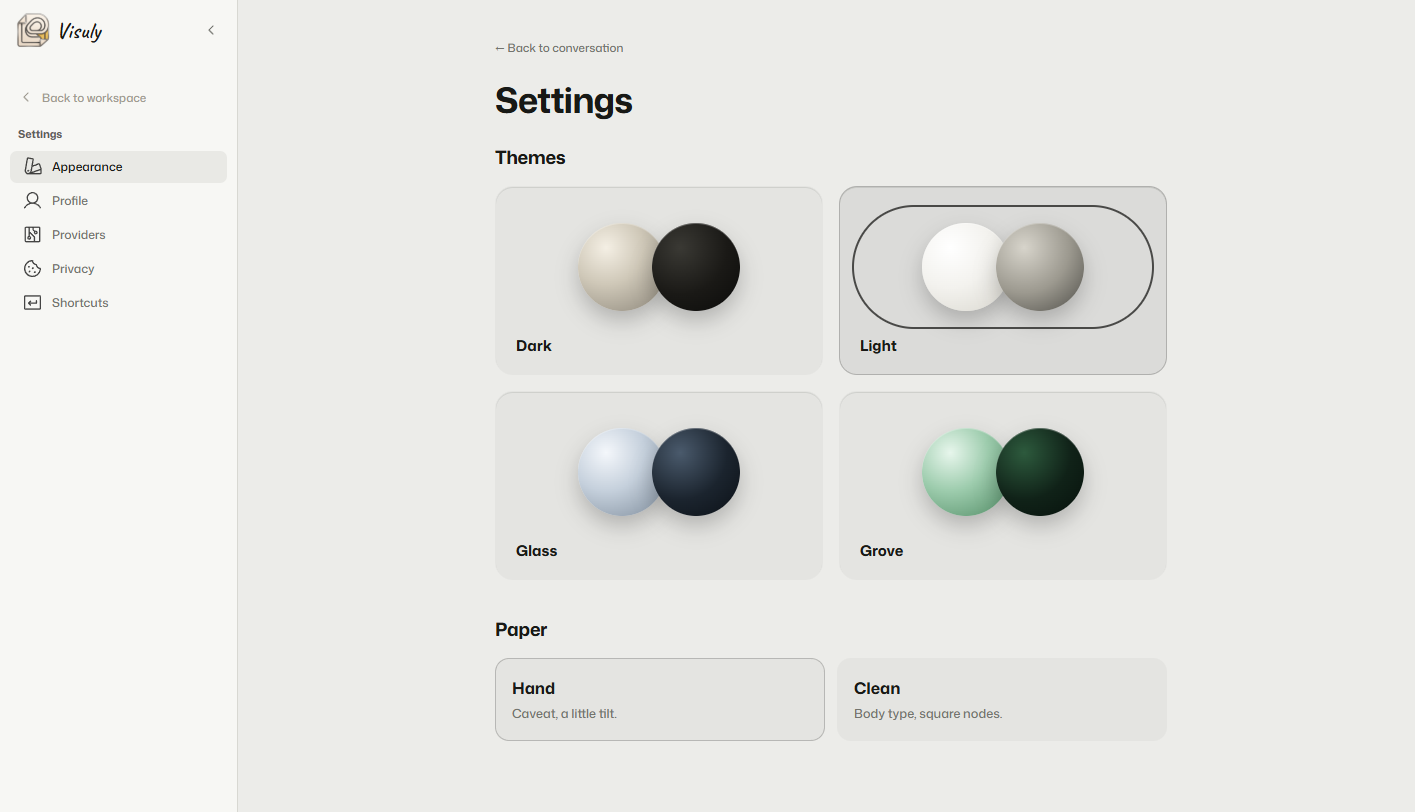
Personalize your IDE look. Dark, light, glass, or grove. The chrome changes; the paper stays the paper.
The agent writes stickies. You can drop more on top.
A labeled connector between two things already on the page: notes, math, whatever is sitting there.
One flowchart widget. Nodes and branches live inside it. A spec, not two stickies with a line.
A real series on paper. Lines, bars, dots. Quantities, not a screenshot of a chart.
name = "Sam"
print("Hi " + name)Source on the page, then the run drawn beside it. Not a screenshot of an editor.
Real formulas, not screenshots of math. Compact cards, one idea each.
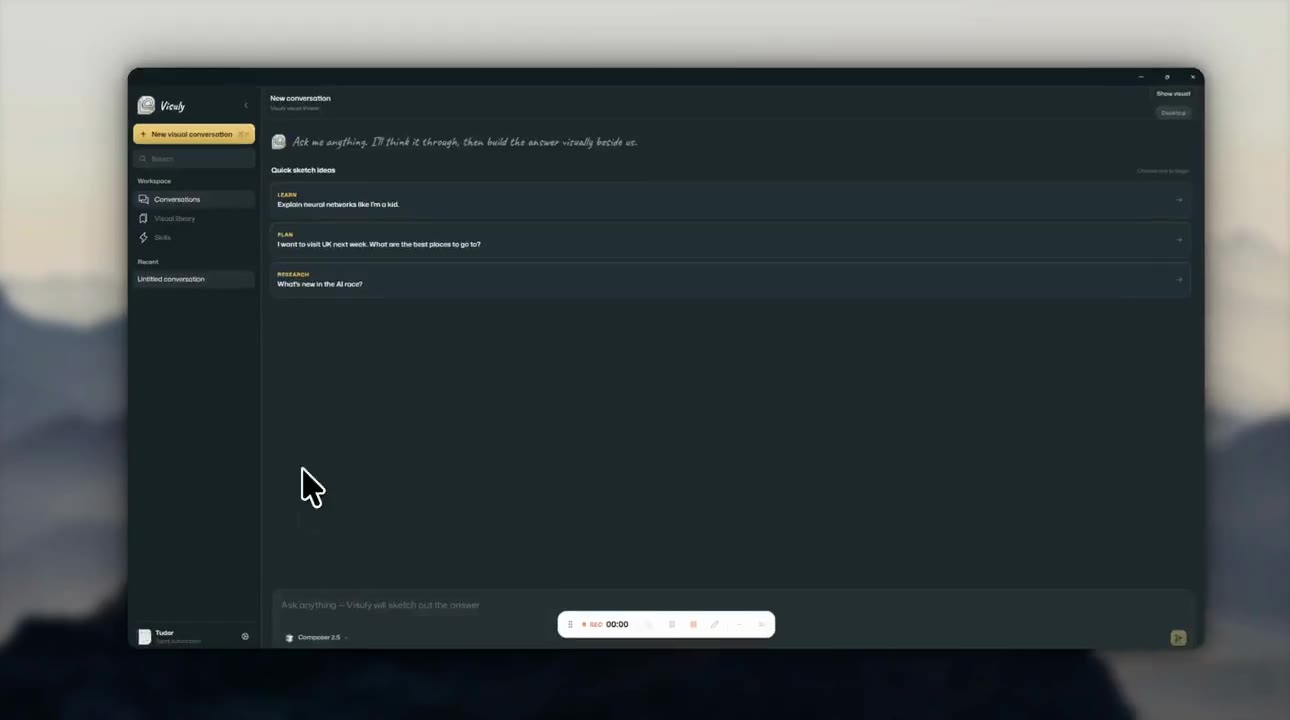
New conversation
Desktop
Ask me anything. I’ll think it through, then build the answer visually beside us.
walk me through the chain rule
Chain rule
Desktop
walk me through the chain rule
Built as a visual.
The chain rule
UK week
Canvas
plan a week
Stations
We’ll mail you when the desktop app is ready.
Miro is a blank board. Napkin is a poster you export. Visuly is a desktop IDE: you ask Cursor, Claude, or Codex, and the answer lands on paper next to the chat.
Chat on the left. A composed visual on the right. Pages stay with the thread. Your notes on top. Follow-ups keep writing on the same paper.
The agent writes a scene. Visuly draws it: notes, math, diagrams, arrows. Not an HTML file you have to open.
No. Whiteboards start empty. Visuly answers already composed.
I actually started Visuly after seeing a random X post. A founder I follow showed a skill that made Claude and Codex answer in pure calligraphy, with graphs attached, like a visual sitting right next to the chat. I wanted to recreate that, so I built it as a skill, and also added sticky notes, math formulas, code and diagrams. Then I wanted a full desktop IDE for the agents people already use, and that became Visuly. I am super excited to put this out there for you guys, and I hope that you can find some amazing use-cases for this. Happy visualizing!